John Deere Operations Center × agrirouter: bidirectional, cross-manufacturer data exchange is finally possible
How to connect agrirouter and the Operations Center
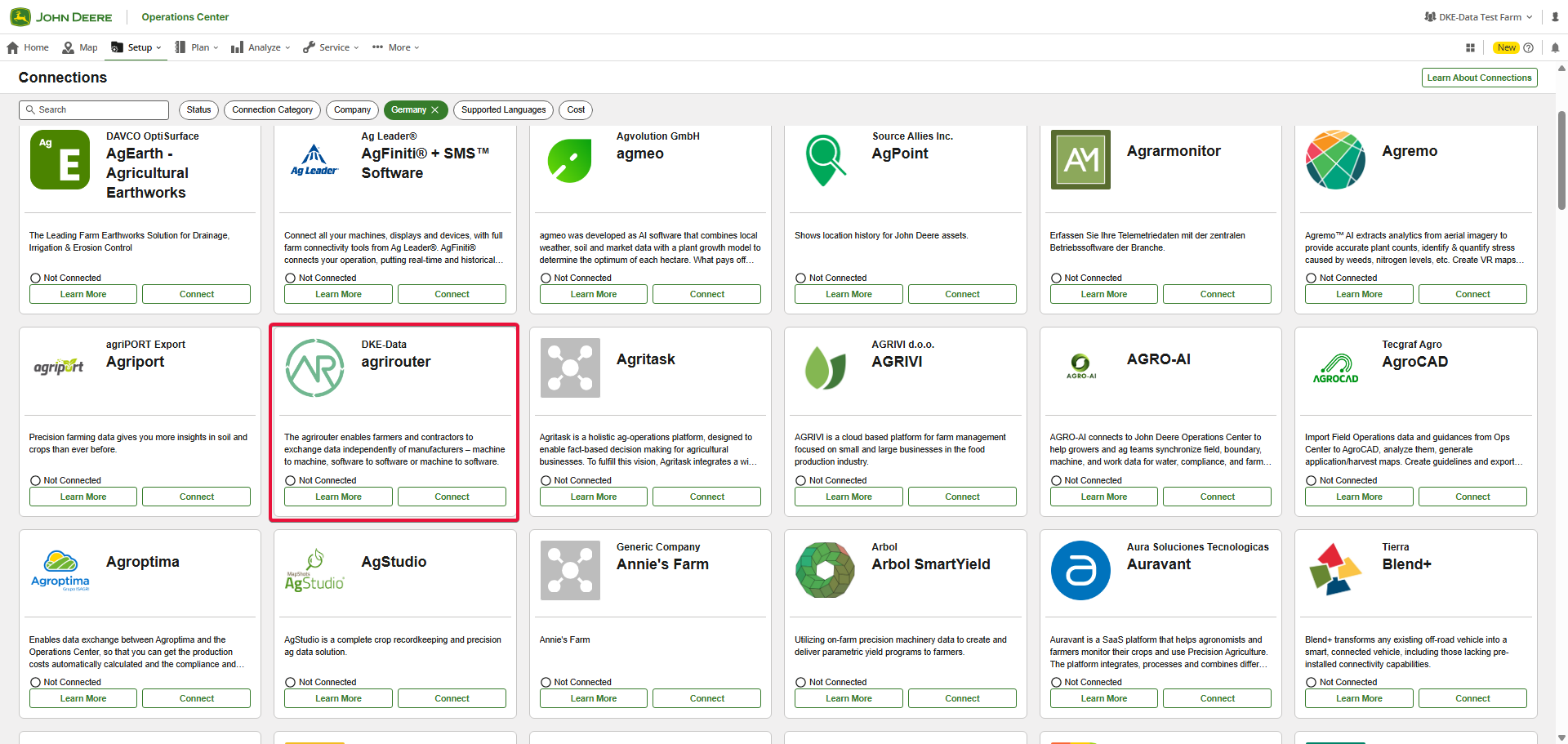
agrirouter is activated like any other partner connection in the Connection Center of the John Deere Operations Center. The other way around, the John Deere Operations Center can be added like any other partner connection in the agrirouter Control Center under "+ Software". The account owner authorizes the connection once; from then on the Operations Center and agrirouter exchange data automatically in the background - no file export, no USB stick, no double data entry between the systems.
agrirouter endpoints become equipment in the Operations Center
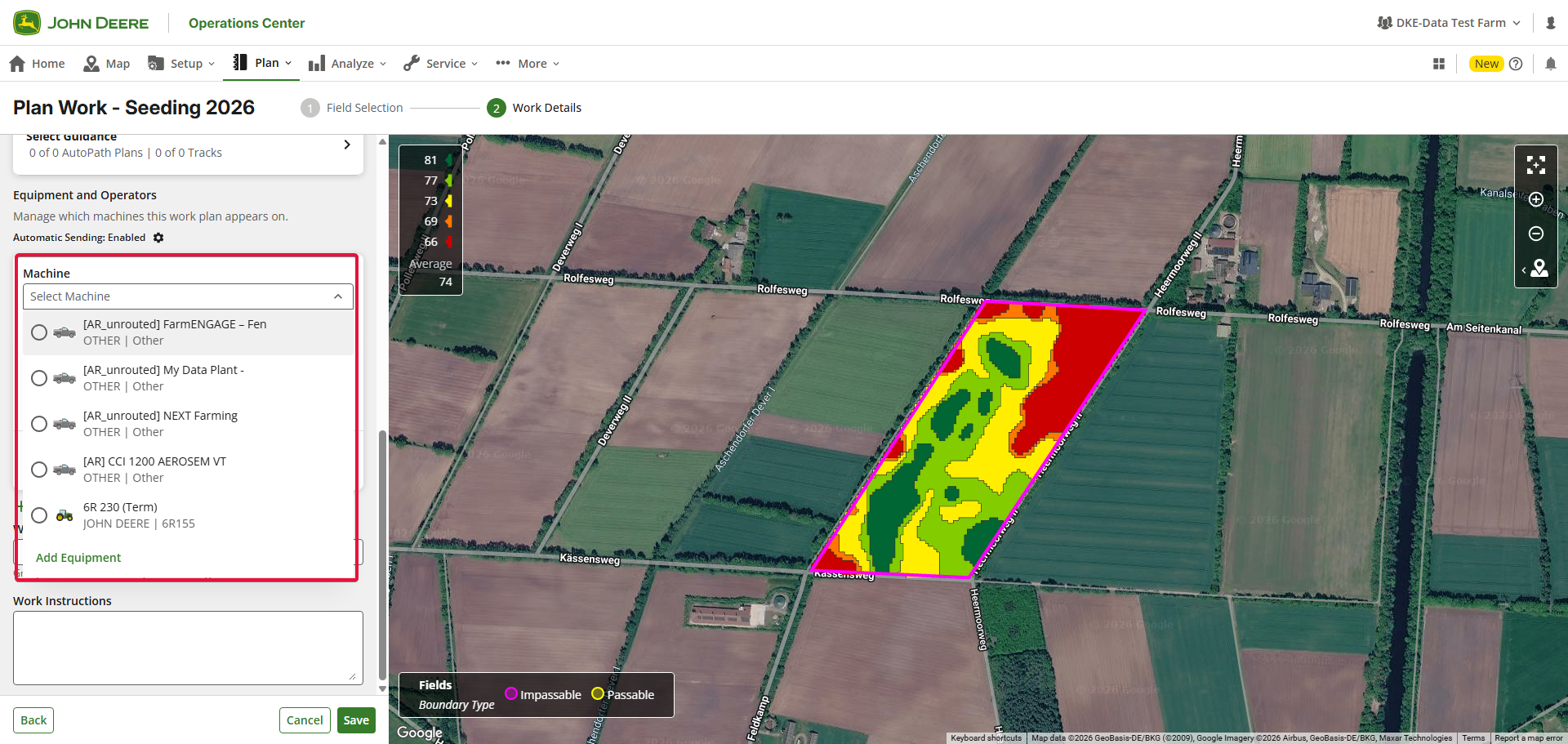
Every agrirouter endpoint is created automatically as equipment in the John Deere Operations Center - whether or not a route to the Operations Center already exists. The name follows the pattern "[AR] <endpoint name>". If there is (not yet) a route to the Operations Center, the endpoint is listed as "[AR_unrouted] <endpoint name>".
The equipment starts with a default vehicle icon; name and icon can then be adjusted in the Operations Center under "Setup → Equipment".
Both worlds stay in sync: if you later delete the endpoint in the agrirouter Control Center, the Operations Center archives the corresponding equipment automatically. What you clean up on one side is reflected on the other.
![agrirouter endpoints appear as [AR] next to native John Deere machines.](/local/news/2026-09-18-jdoc-equipment-ar.png)
Exchanging planning and documentation data
The integration is bidirectional. There are four flows that together close the loop between planning and documentation across manufacturers:
-
Planning data (Work Plan) into the Operations Center - External farm management software → Operations Center → John Deere machine.
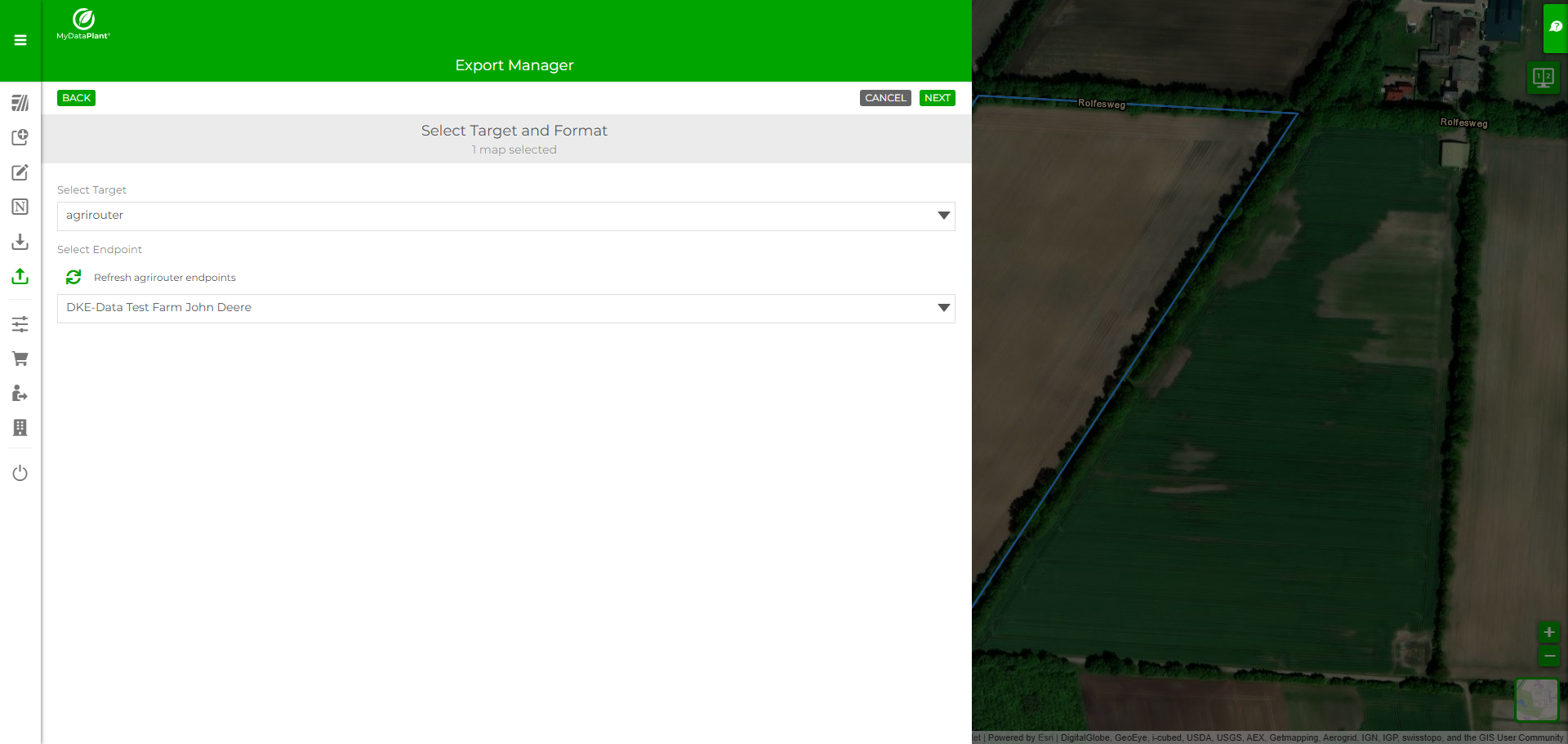
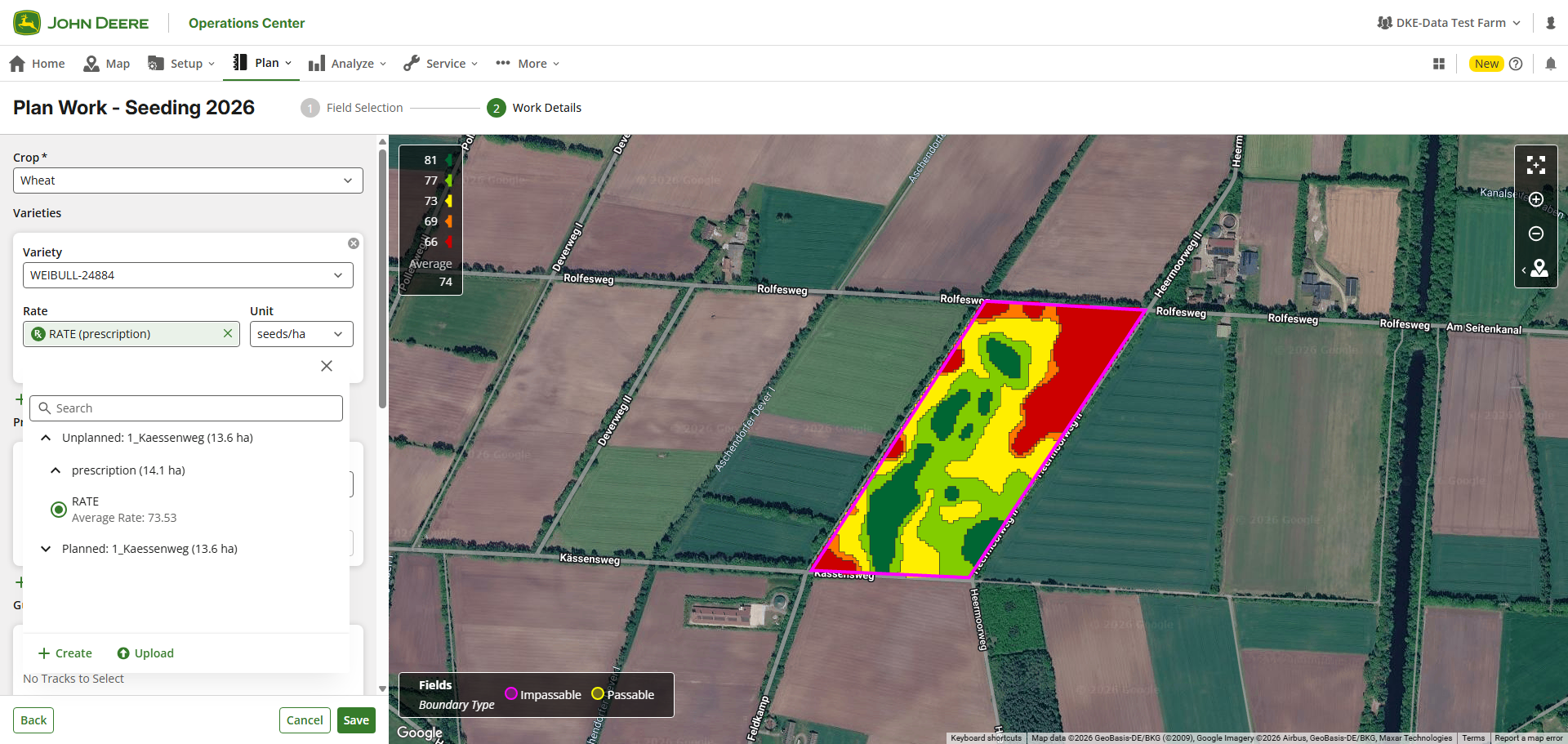
Plan a job in the software you already use and send it via agrirouter to the Operations Center. You can also send an application map from the program of your choice via agrirouter to the Operations Center. There, these files are ready to build a Work Plan, which is then sent to the John Deere machine and processed. Planning stays in the software of your choice - and is made digitally available to your machines via agrirouter. -
Planning data (Work Plan) out of the Operations Center - Operations Center → [AR] endpoint → agrirouter-ready machine or application.
A work order created in the Operations Center can be addressed to an agrirouter-ready machine or application from another manufacturer. -
Documentation data (Work Record) into the Operations Center - agrirouter-ready machine → Operations Center.
Documentation produced by a non-John Deere machine can be sent to the Operations Center via agrirouter. -
Documentation data (Work Record) out of the Operations Center - John Deere machine → Operations Center → agrirouter-ready application.
The documentation data of a John Deere machine flows on via agrirouter to the farm management software of your choice.
Example: External FMIS → agrirouter → Operations Center → John Deere machine
The Operations Center as a central planning platform
Because planning and documentation run in both directions, the Operations Center becomes the central platform for mixed fleets - thanks to the agrirouter connection.
Example: A variable-rate map planned once reaches John Deere machines and machines of other brands alike - no one has to send the map through two portals.
Receiving John Deere documentation data - Shape is enough
To receive John Deere documentation data (Work Record), plain Shape support in your software is enough. Work Records Shape is not a precondition - the specification merely documents the layers, attributes and values within this documentation data, so your software can interpret it reliably instead of guessing. Anyone who already supports the Shape capability can receive John Deere documentation (Work Records) today.